When the plan is heavier than the day
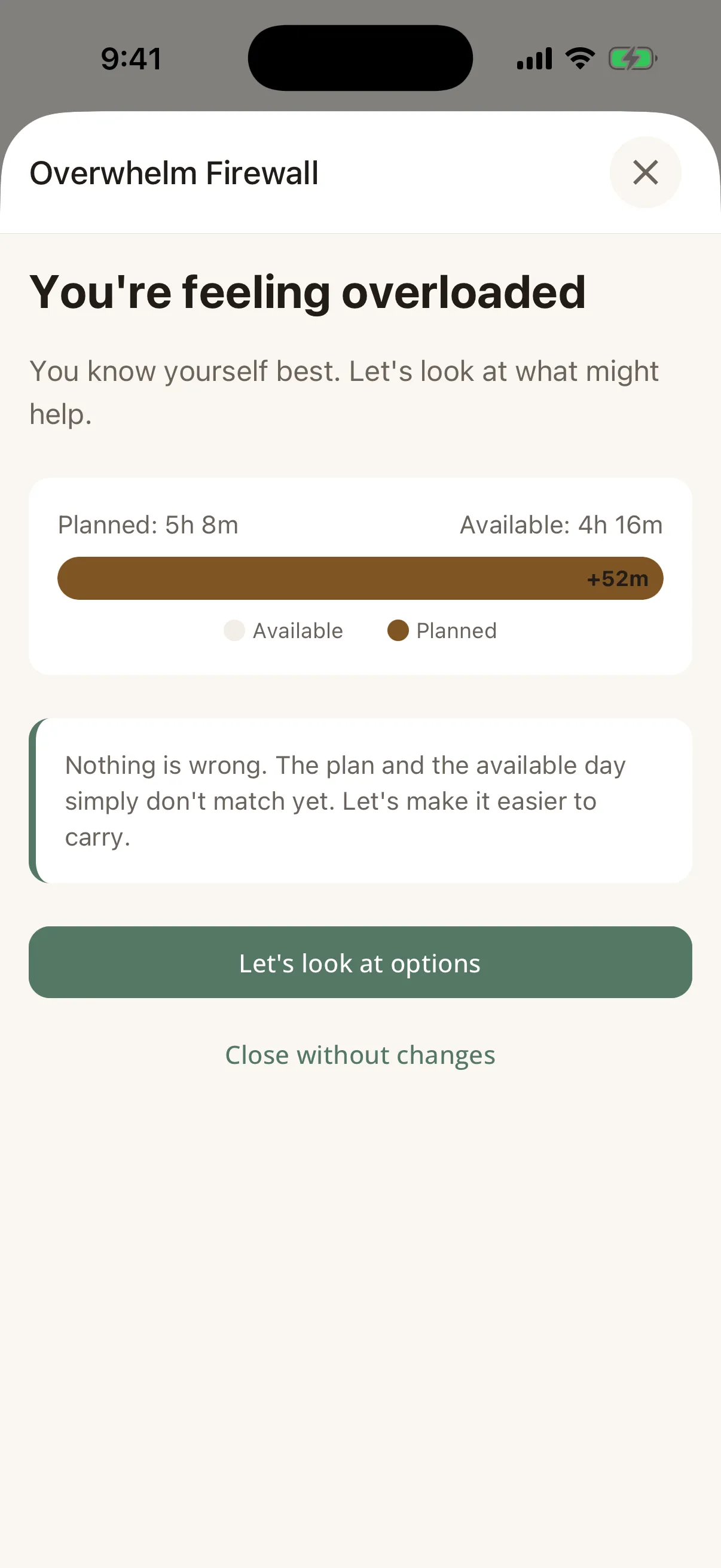
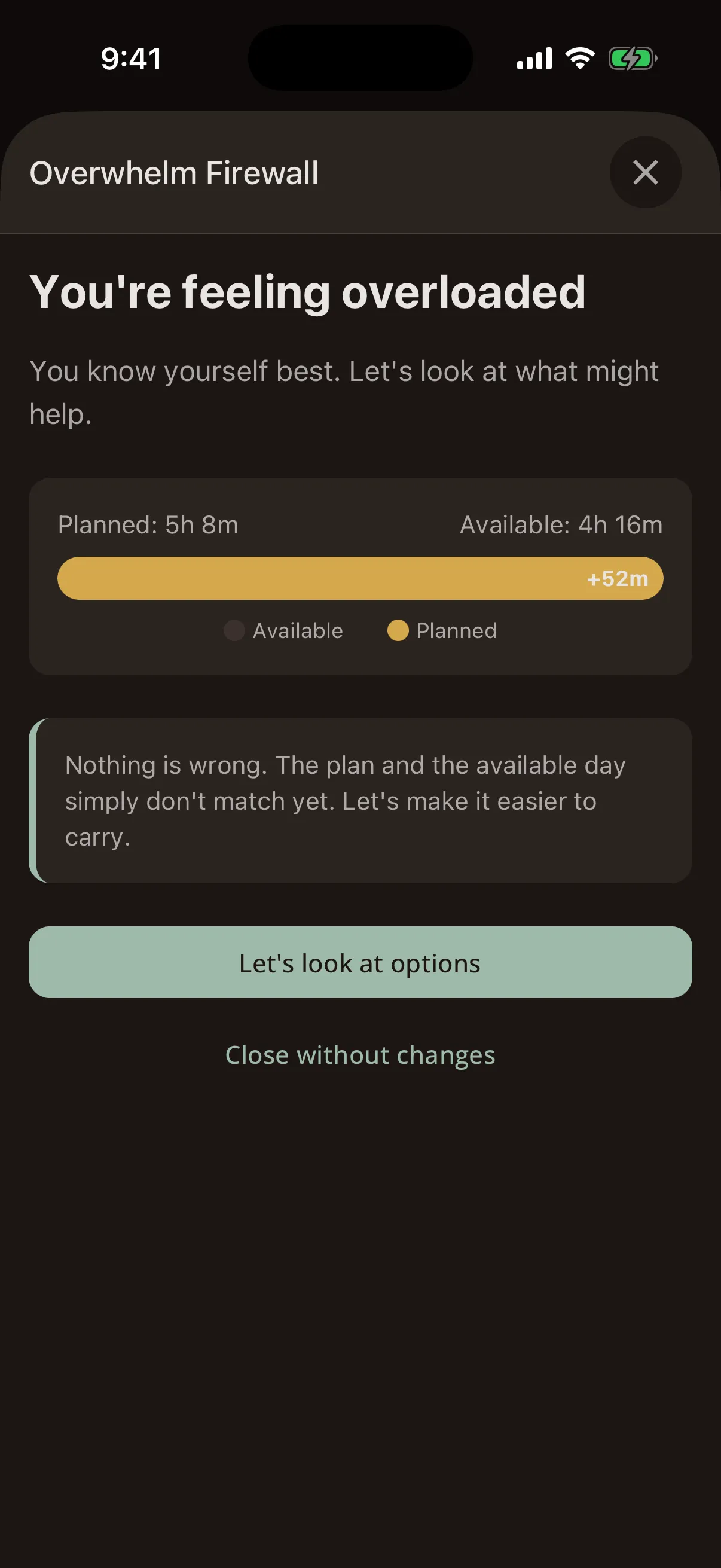
Steward works out what today can actually hold, weighs the plan against it, and says so before you start. That moment is called the Overwhelm Firewall, and the rest of the app is built around it.
The Overwhelm Firewall
How the Firewall works
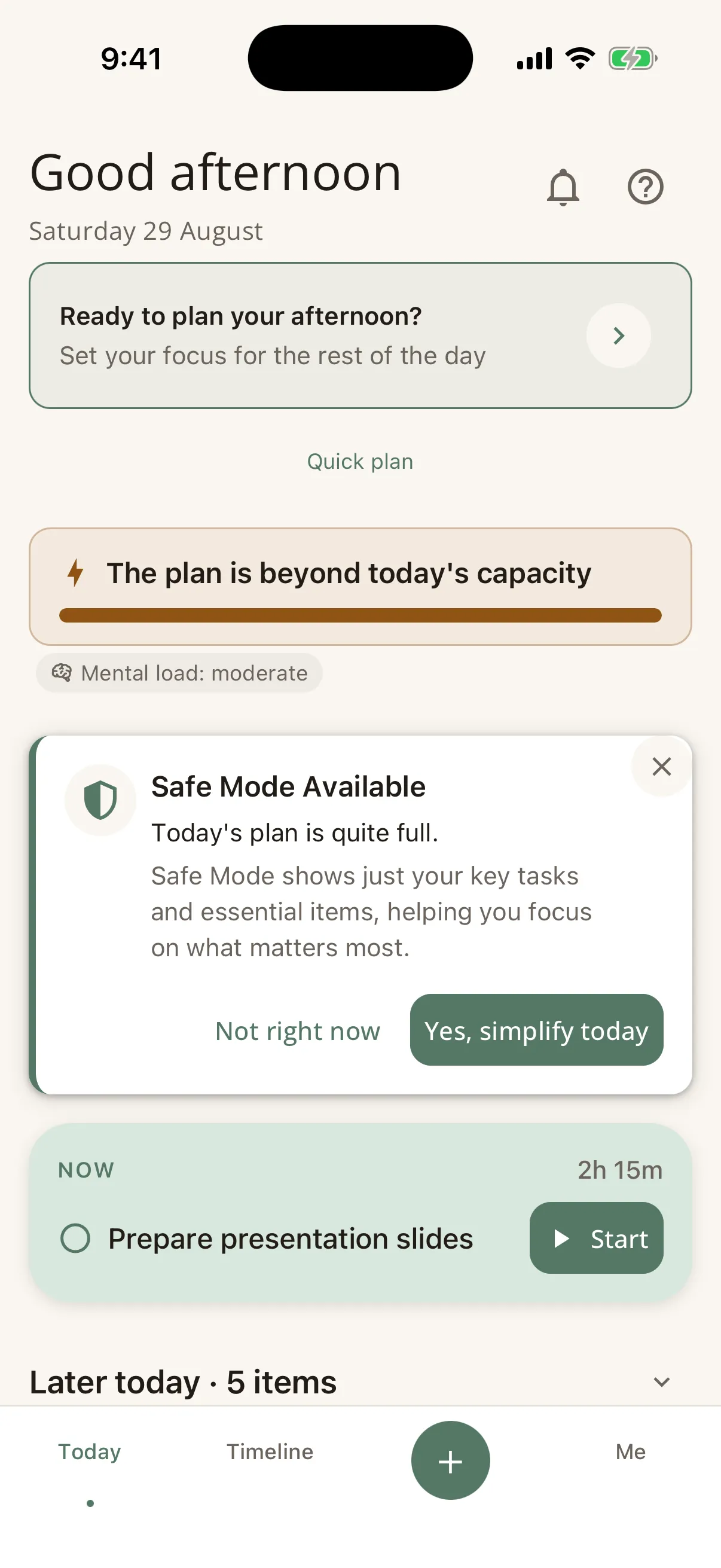
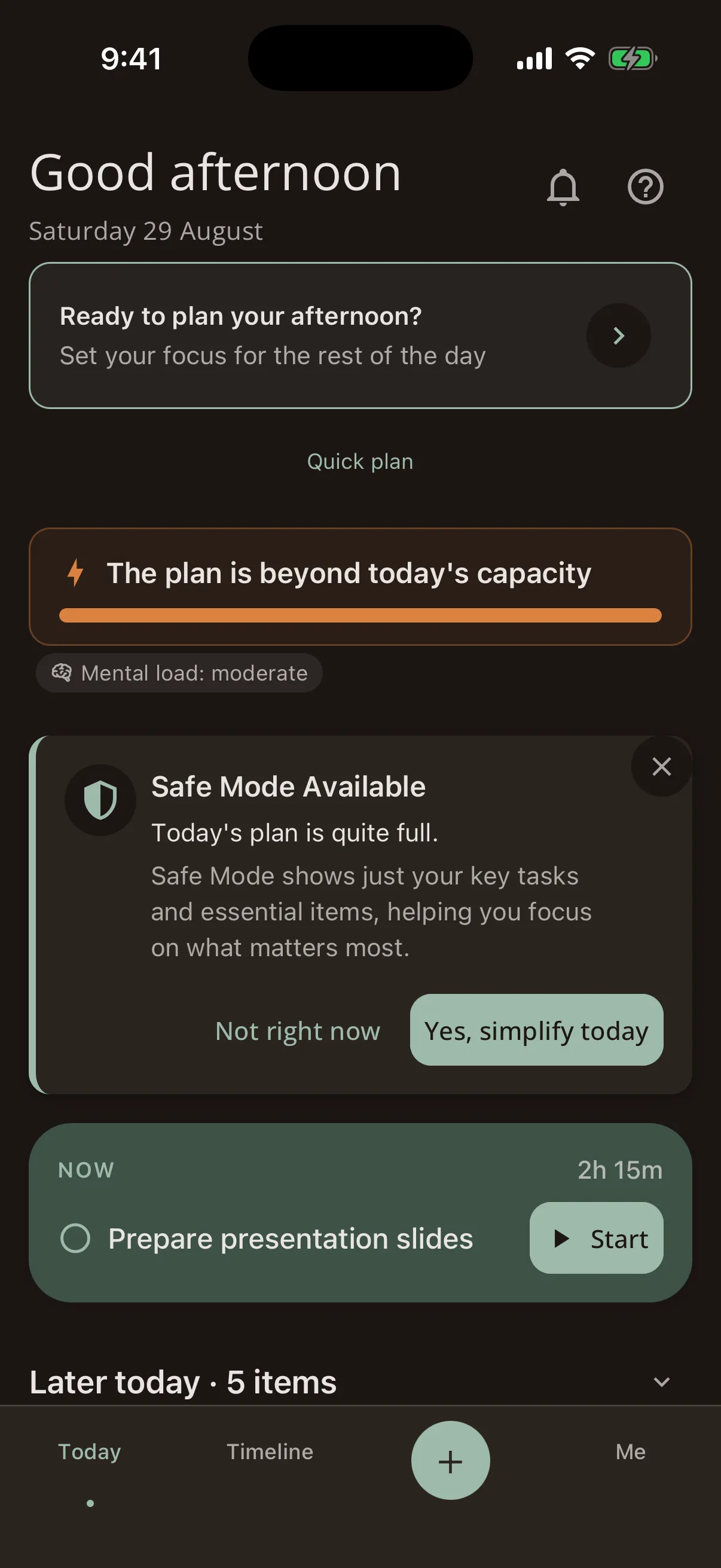
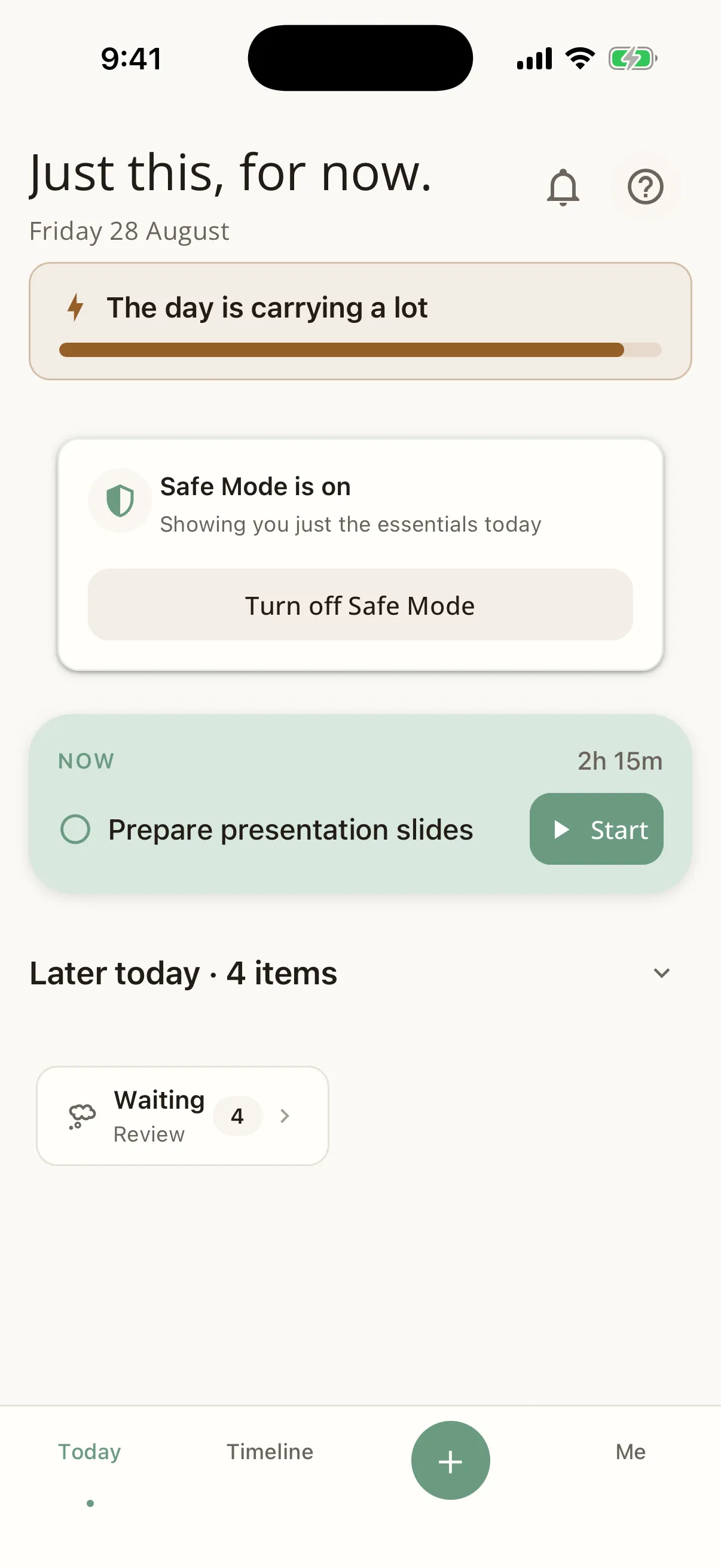
Your day screen opens with a plain sentence about the plan: "There is room in the day", "The day is carrying a lot", or "The plan is beyond today’s capacity". It describes the plan, never you.
Steward watches four thresholds, not one: the plan running past what the day can hold, the plan approaching it, more than three key tasks competing to be first, and big projects taking over more than half the available time. Each one opens the Firewall with the reason it opened.
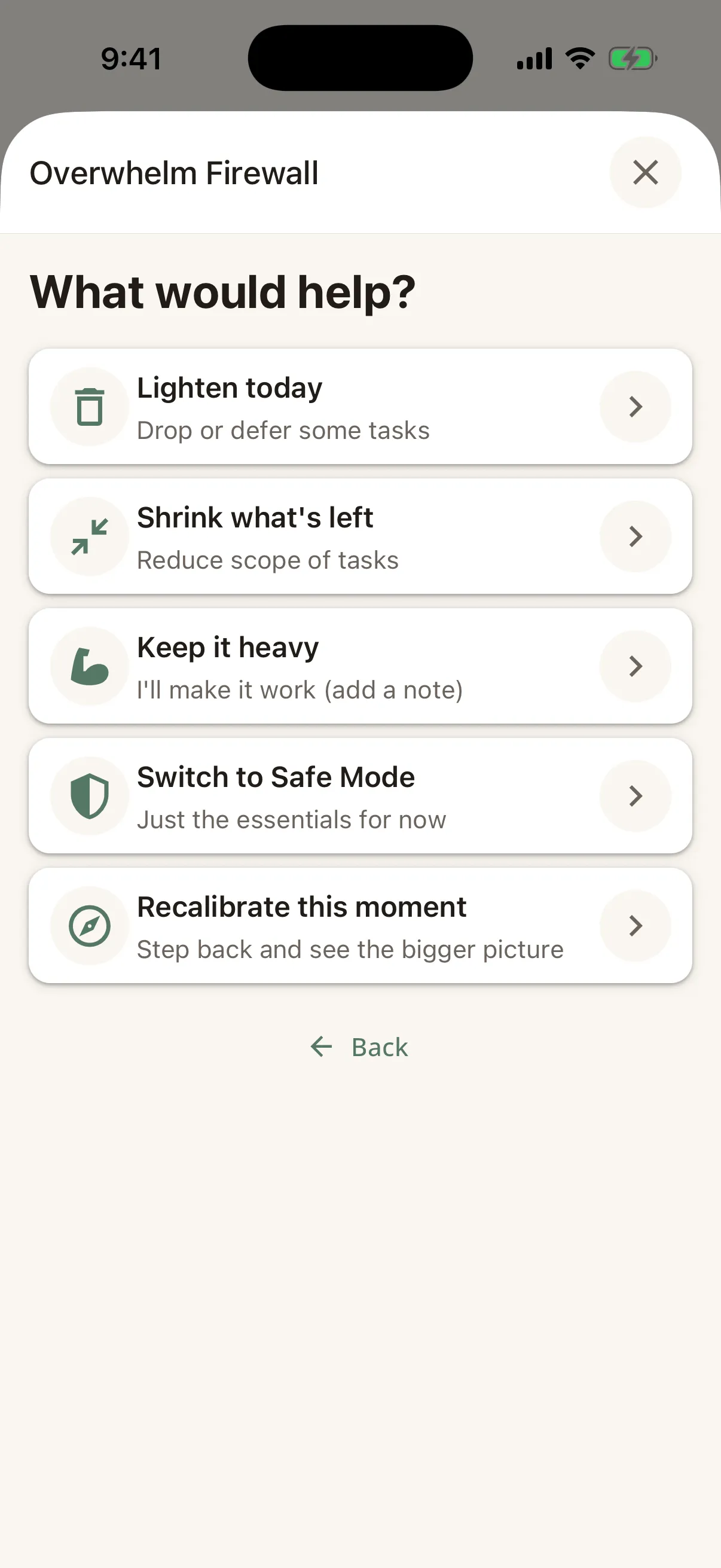
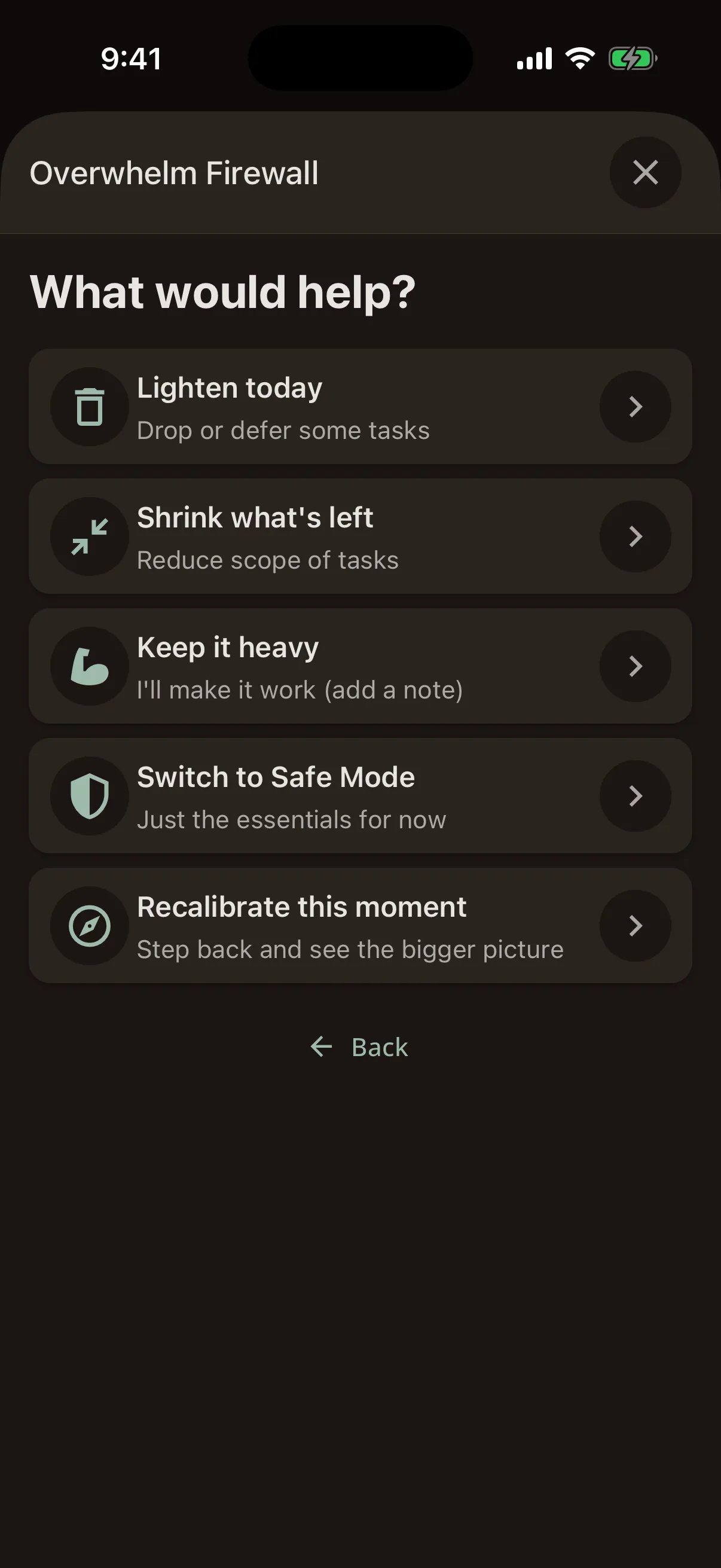
Then it offers choices: lighten today, shrink what's left, switch to Safe Mode, recalibrate this moment, or keep it heavy. Keeping it heavy is always on the list. Every choice shows the arithmetic before and after, so you can see what you are actually agreeing to.
No streaks. No shame.
The heaviest day Steward can describe is amber.
Capacity
We don't read your body. We ask you.
The check-in takes about ten seconds: how is your energy, how is your stress. That is where Steward starts, and it is not where it stops.
From your working hours it subtracts everything already spoken for, scales what is left by your answer, and then takes off what the morning has already cost you. On the other side, the plan is weighted by how demanding each task is, not just how long it will take.
- Out first: meetings, time-blocked work, rota duty, and the routines and sessions you asked Steward to protect.
- Finishing three demanding things changes what the afternoon can hold, so it counts.
- Skip the check-in and your Brain Operating Manual adjusts the day from your own recorded patterns.
- Every adjustment is bounded, and when two disagree Steward takes the kinder reading.
Today and Plan Today
A Today screen in four zones
How the day looks, a single focal point for right now, what's coming later, and a quiet edge for everything else. At most one prompt appears at a time.
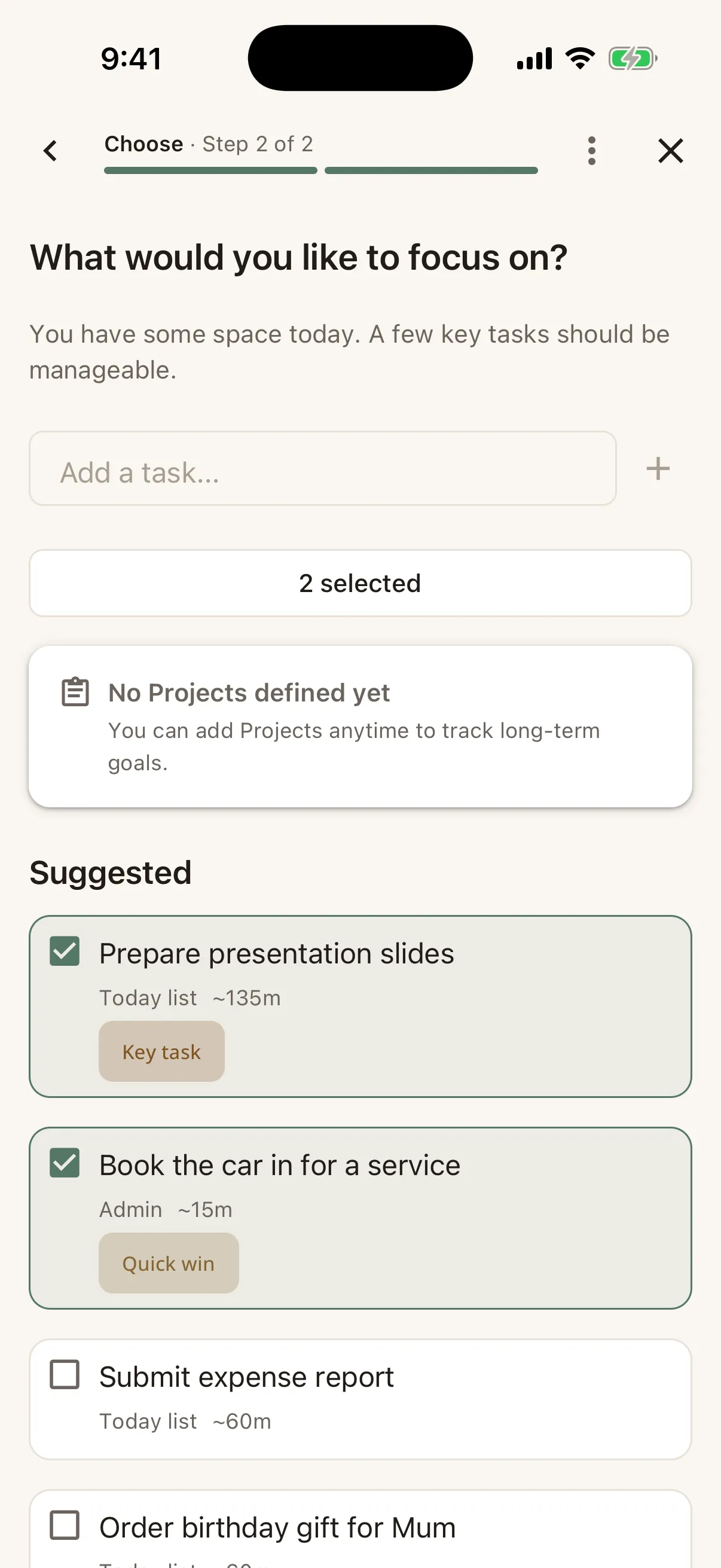
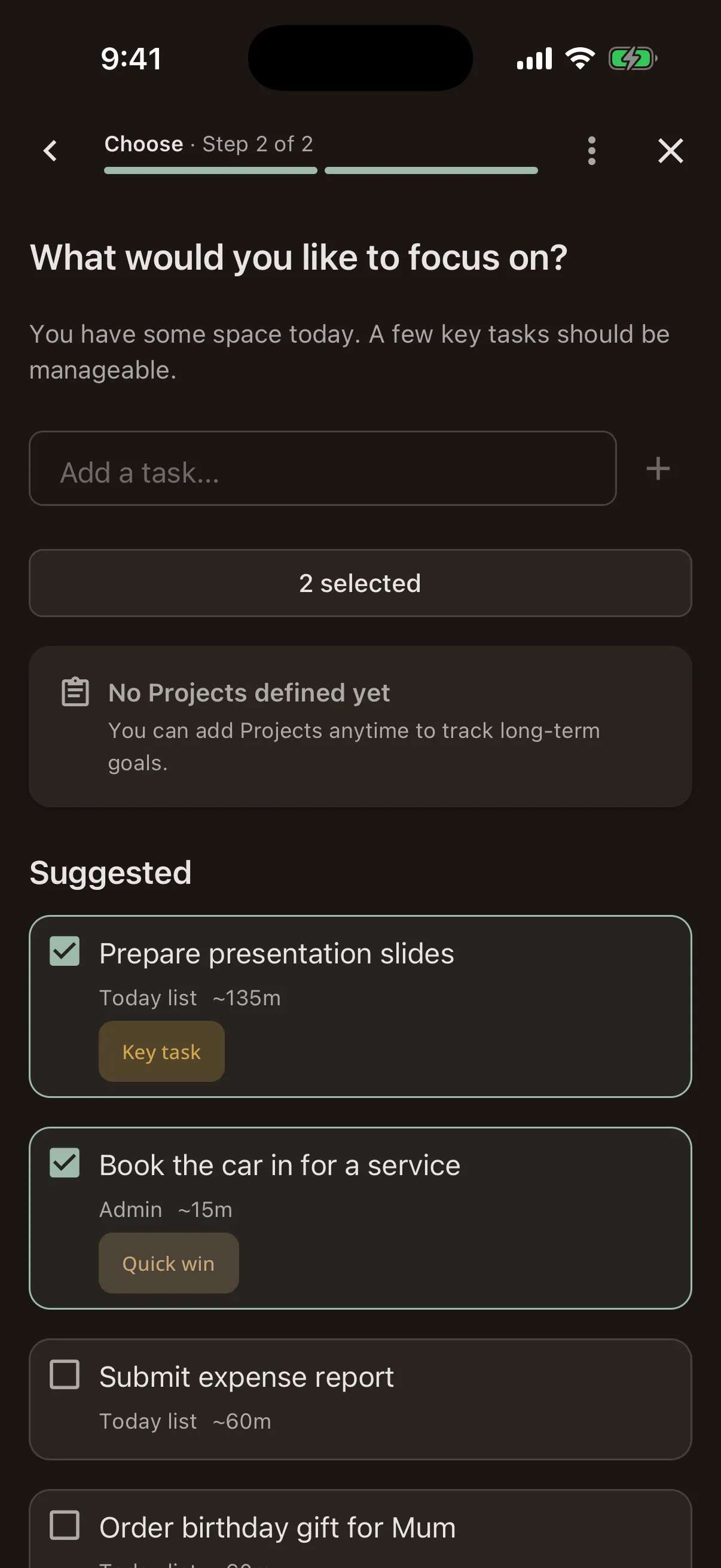
Plan Today is a short guided flow, once a day: check in, see the day, choose, confirm. Steward suggests what fits the figure it has worked out; you decide what makes the cut.
Safe Mode
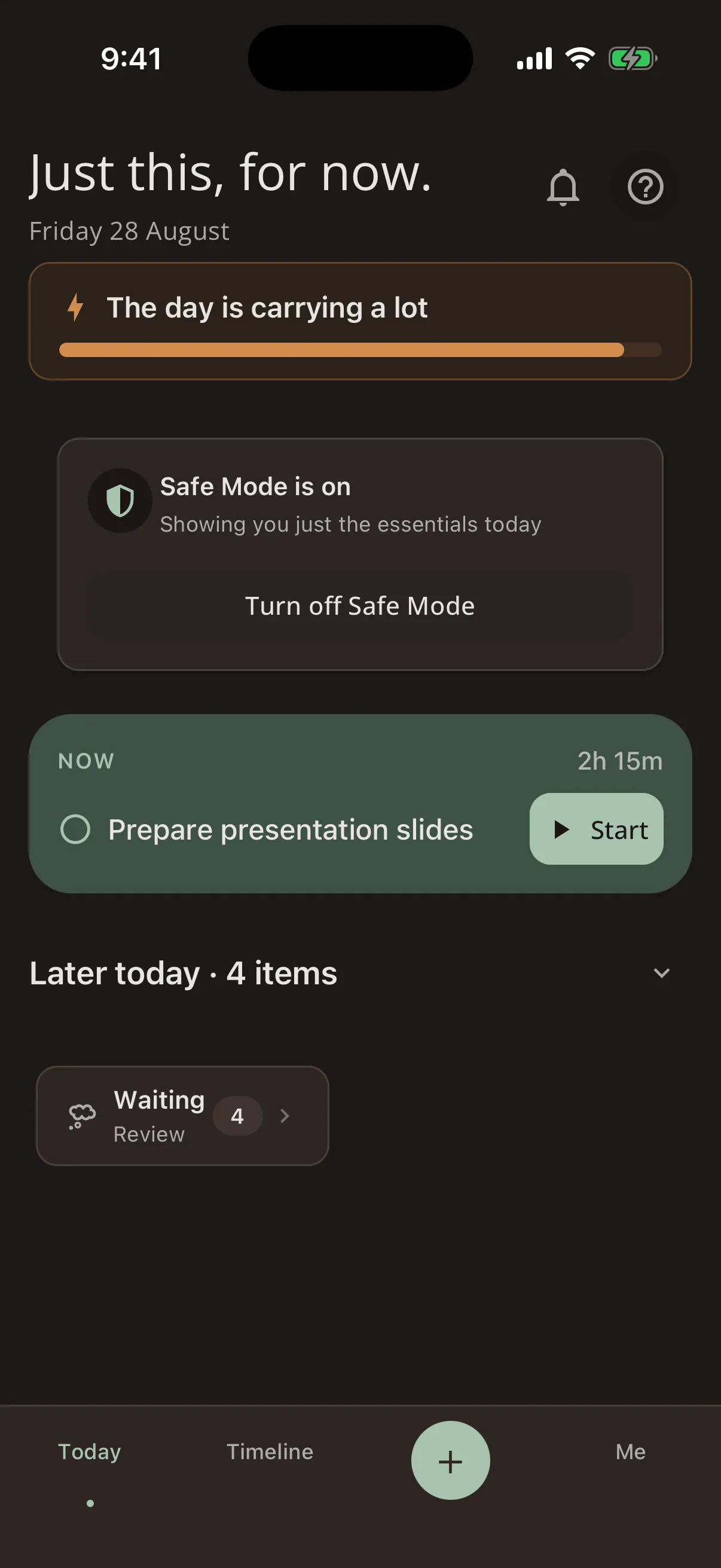
Just this, for now.
Safe Mode strips the interface back to essentials: fewer choices, less noise, one thing in front of you. Lists shorten with a way to see the rest, completed counts and secondary actions disappear, and non-urgent reminders go quiet until you come back.
Steward can offer it when your check-in or your recent days suggest the day needs it, or stay out of it entirely and wait for you to ask. That is a setting, with three positions. The screen still says what the day is carrying; it stops asking you to hold all of it at once.
Waiting items
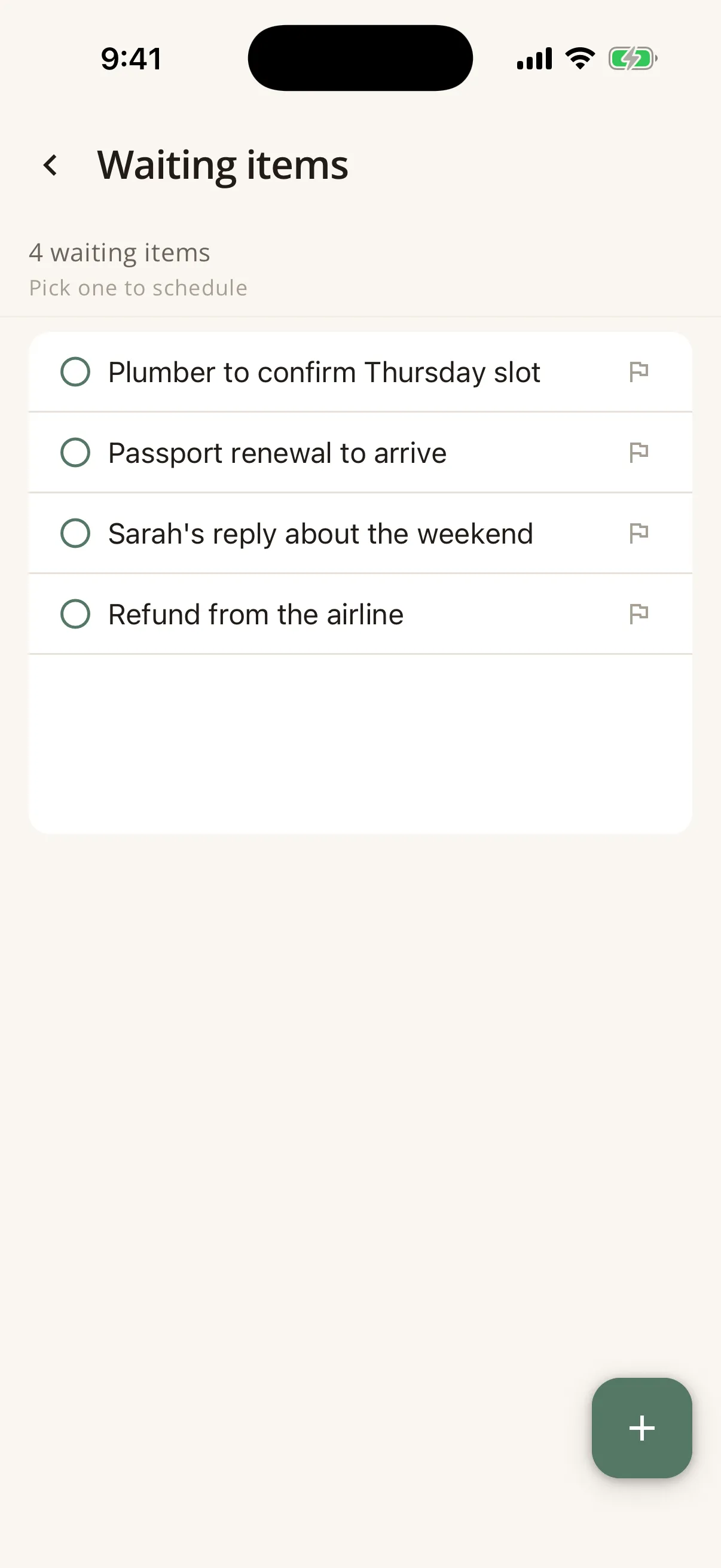
Putting a thought down is not a commitment to do it today.
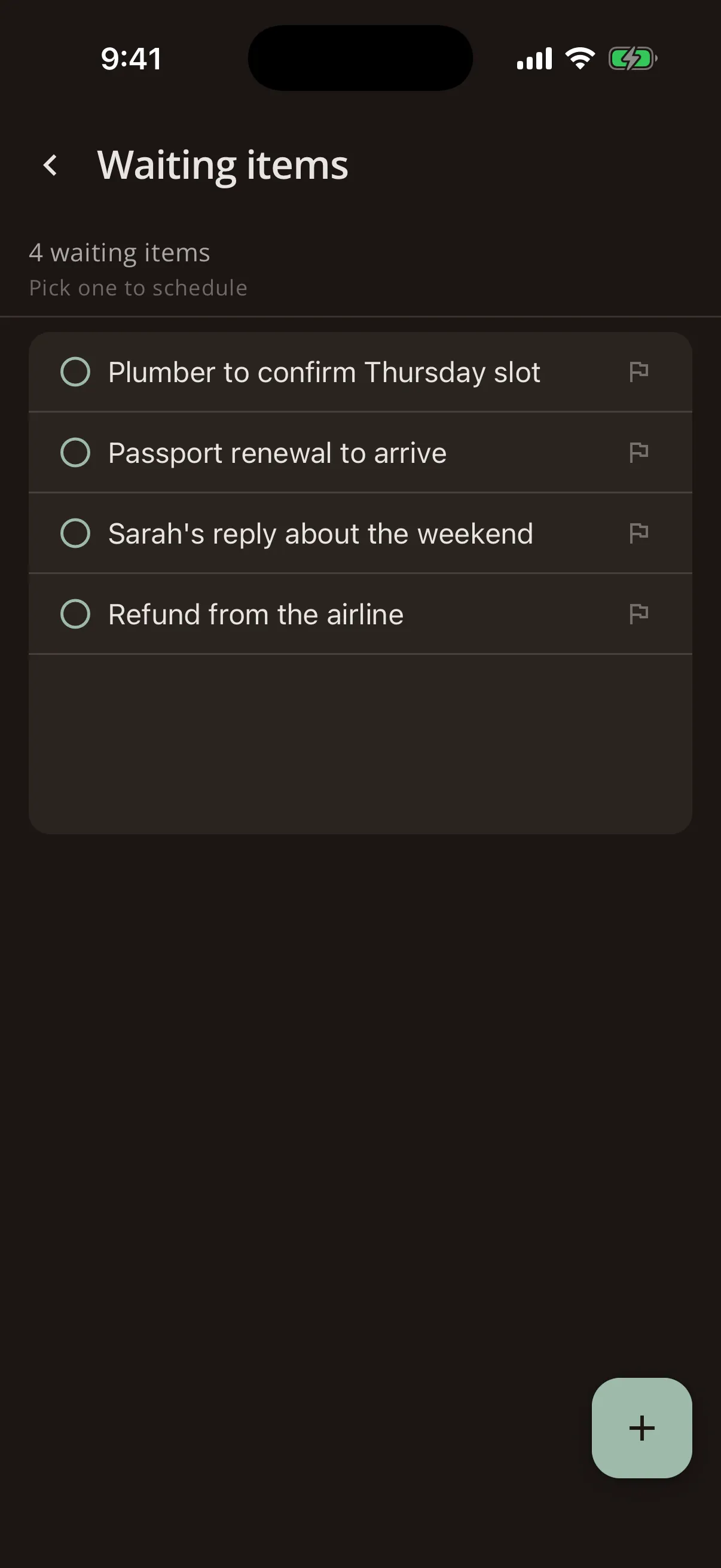
Captured thoughts stay saved and visible in one list until you're ready to schedule them. You can give an item a soft aim-for date, which turns amber as it approaches rather than going overdue.
Steward keeps an eye on the list for you. When items have been waiting a long time, it will say so, and take you straight there.
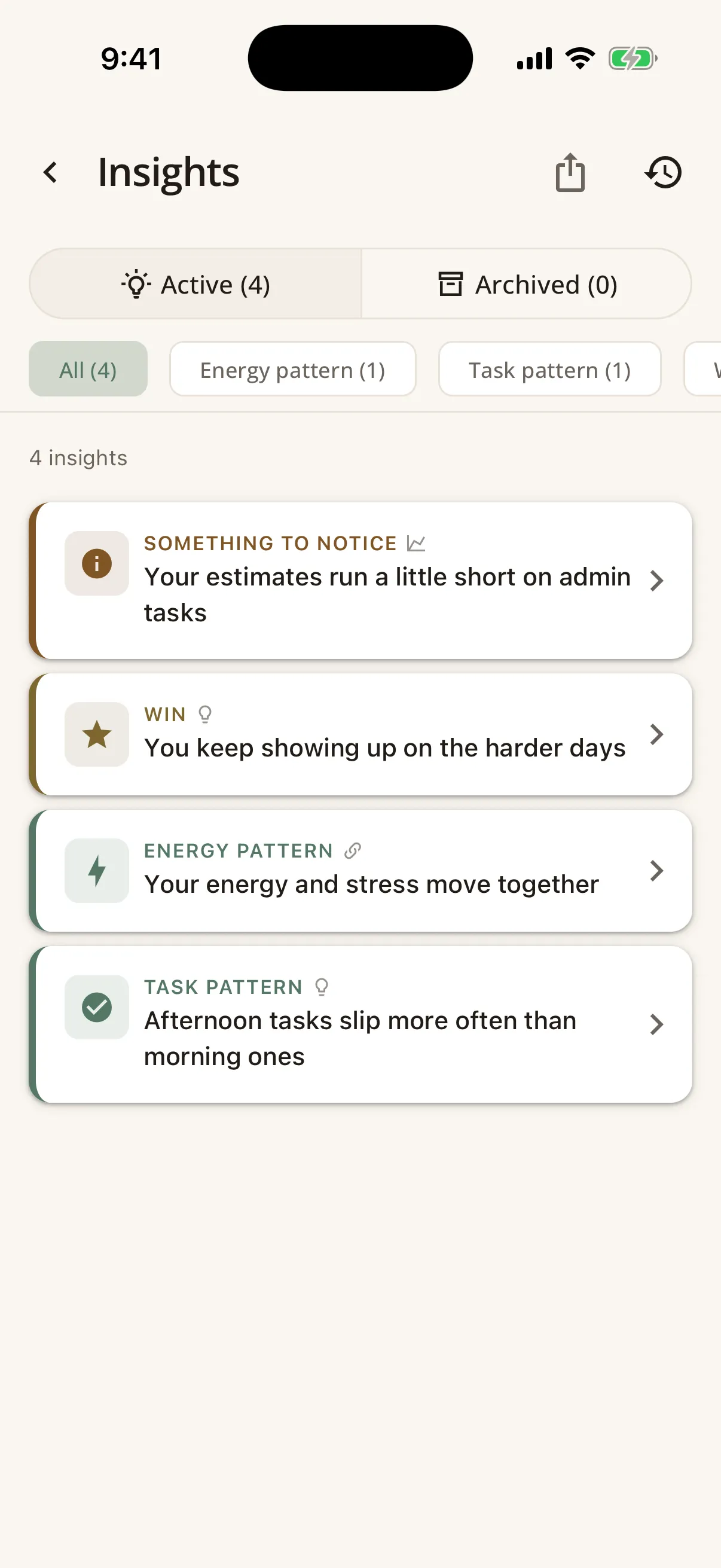
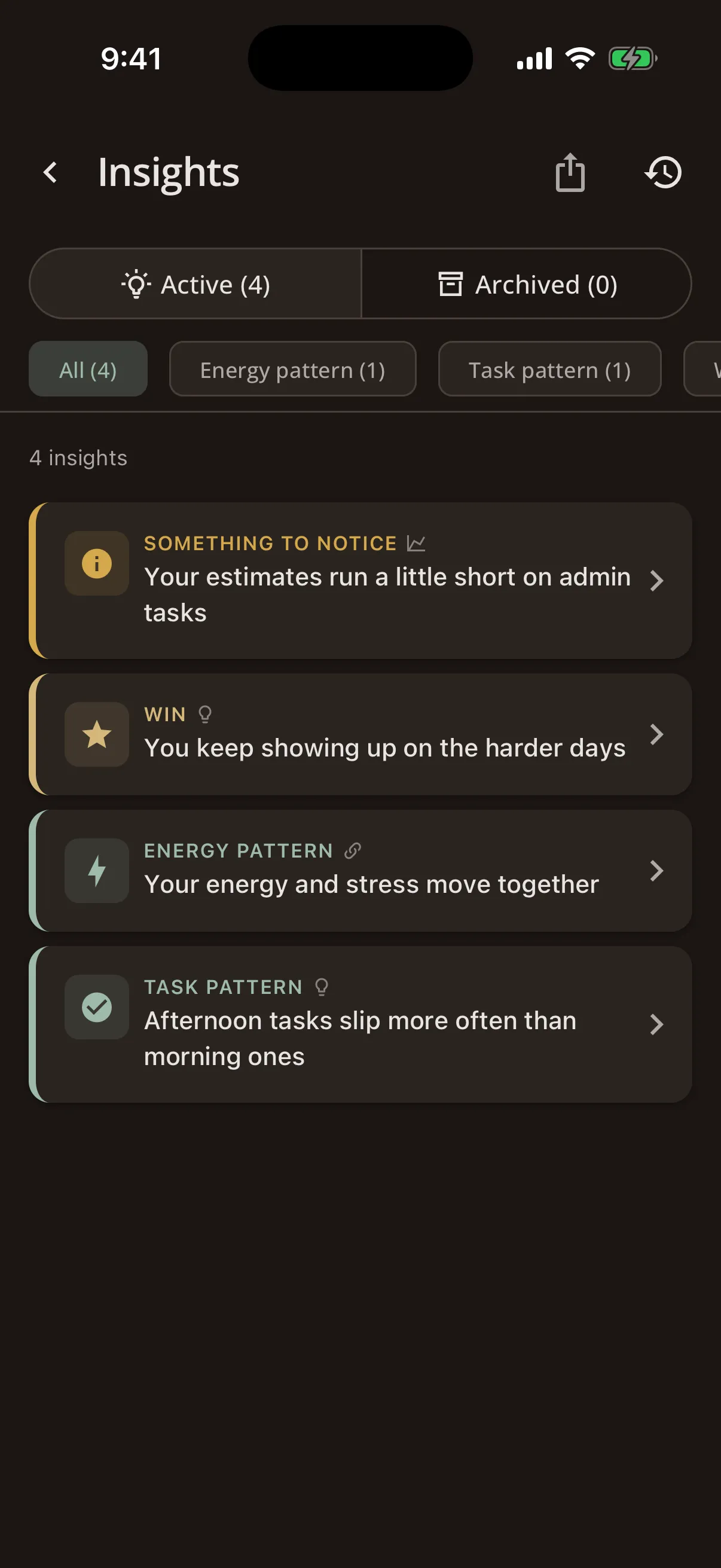
Insights
It notices, tells you what it noticed, and takes you to the place you would act on it.
A dozen or so patterns drawn from your own history: how your estimates compare with the time things actually take, which days carry the most, how energy and stress move together, which routine step keeps getting skipped.
Each one shows what it is based on and how sure it is, and stays quiet until there is enough data to mean something. Most carry one thing you could try. Many carry a door: open that routine, review your key tasks, try a recalibration.
The strongest write themselves into your Brain Operating Manual. Steward drafts the line, shows it to you first, and one tap files it under the right heading.
Brain Operating Manual
The record of how you work, written with you.
Ten sections: what you value, what you protect, the projects that matter, the patterns in your capacity, the signs you are overloaded, what to do when it gets bad, your strengths, your challenges, and the moves that reliably help you. Most people would find that useful and would never sit down to write it.
So Steward writes it with you. Three questions during onboarding, a longer guided pass when you have the time for it, short single questions that surface in ordinary use, and insights that draft a line from something it noticed and file it once you agree.
Then it earns its place. The patterns you record about your own weeks adjust the capacity figure on days you have not checked in, and the plan is measured against the projects and values you wrote down.
The rest of the day, by design
Rotas
Shared schedules such as co-parenting rotations, on-call weeks and alternating weekends, built from ready-made templates. A rota day takes real time out of your capacity, and exports as a calendar file for anyone else who needs it.
Routines
Repeating sequences you do not want to rebuild every morning. Each step is marked essential, standard or stretch, so a routine can shrink on a lighter day instead of being abandoned. Ask Steward to reserve its time in the day, and it will.
Focus timer
A timer for the stretch of work in front of you, with the tasks that fit it and a check on how it left you afterwards. If a session is interrupted, Steward has kept the time and offers to log it.
Weekly Review
A look back assembled from what actually happened during the week, so it arrives already filled in. It surfaces the patterns it found and proposes one change for next week, which you can take or leave.
Reminders and calendar
Reminders that follow the plan and go quiet in Safe Mode. Steward reads your Google Calendar so the day it plans around is the day you actually have, and those events take real time out of your capacity.
Ask Steward
You decide what the AI can see, one category at a time.
Ask Steward reads the screen you're on and offers a reading of it, or answers a question about it. Elsewhere, AI can turn a rushed brain dump into tasks, break something daunting into Small Starts, or draft a replan when the day changes.
Twenty separate switches control what it may include: the date, your energy, your stress, task titles, calendar titles, rota days, note titles, and each section of your Brain Operating Manual on its own. A fresh install has four of them on.
Before every request, a "Sharing:" row lists exactly what is going. That row is built from the same table that assembles the request, so it cannot say one thing and send another.
- The contents of your notes are not on the list, under any switch.
- Your Crisis Protocol has its own switch and reaches two screens only.
- Requests go through our relay, which forwards without storing, or straight to the provider on your own key.
- Steward AI is £5.99 a month, or £1.99 with your own key.
See it for yourself
Join the waitlist and we'll send you an invite when the next batch goes out.
We’ll respect your inbox and only email when there’s something worth sharing.