Plans your day around the capacity you actually have.
Built for the overloaded. Tell Steward how today feels, and the plan follows your answer instead of an ideal version of you.
Steward is in closed beta. Join the waitlist and we'll send you an invite.
You're not lazy. You're overloaded.
You've tried the planners, the apps, the "just get up earlier" advice. None of it stuck, and not because you lack willpower. Those tools assumed every day looks the same.
Some days you can conquer the world. Other days, getting dressed may be a win. You need a system that plans for both of those days and knows the difference between them.
Steward is built for exactly this. It asks how today feels, works out what the day can actually hold, and plans inside that.
Before you start
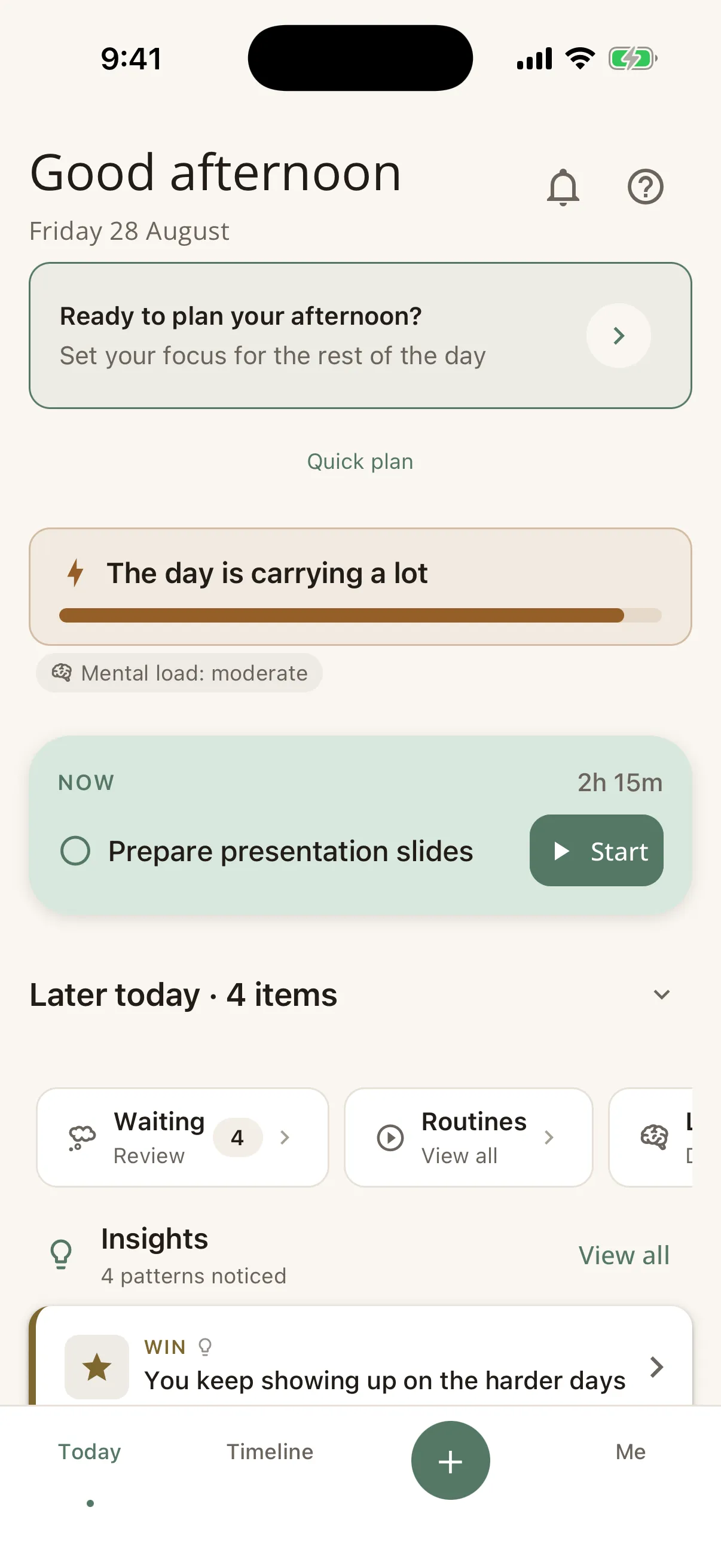
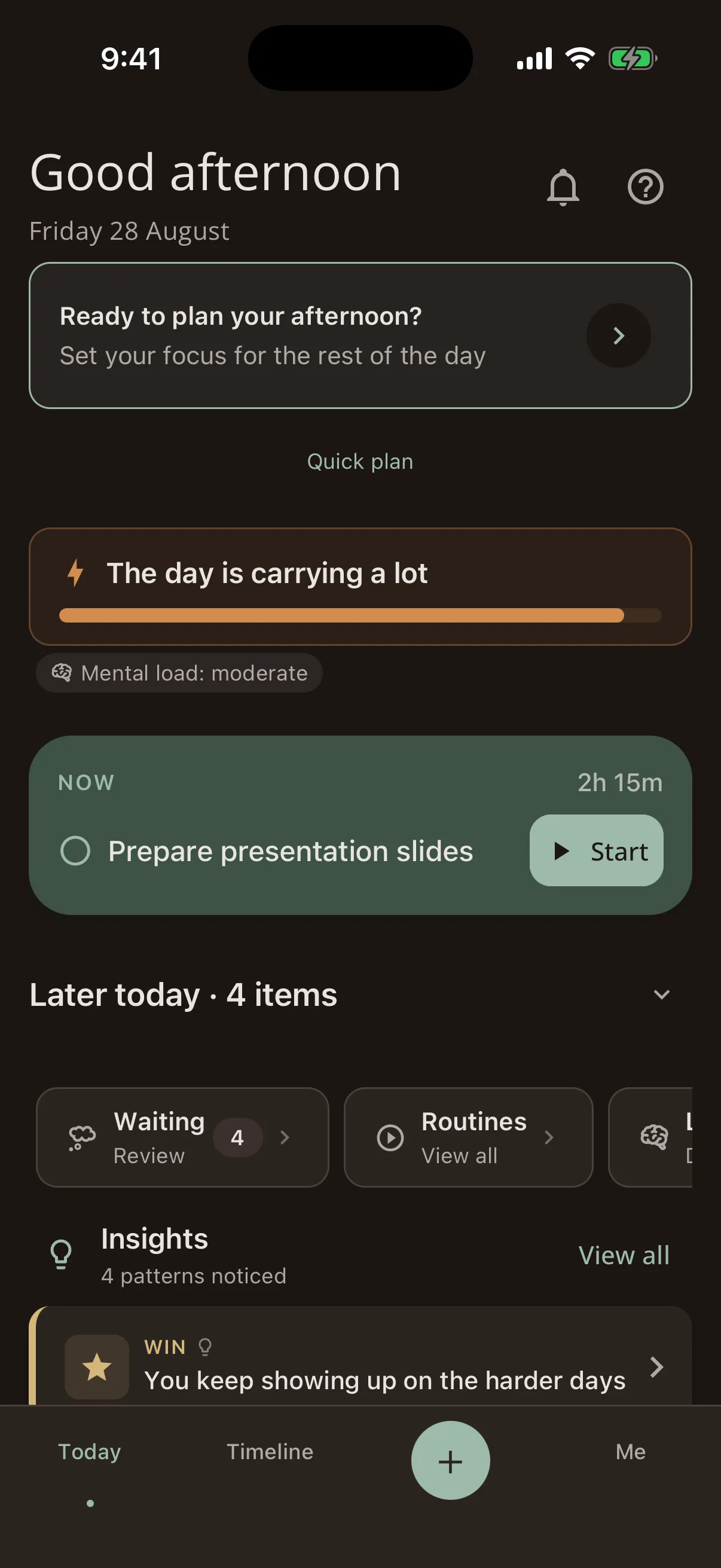
Steward weighs the day before you start it.
It adds up what the day is already carrying: your working hours, your meetings, the work you have blocked out, rota duty, the routines you asked it to protect. Then it weighs the plan against that, counting the demanding tasks as heavier than the easy ones.
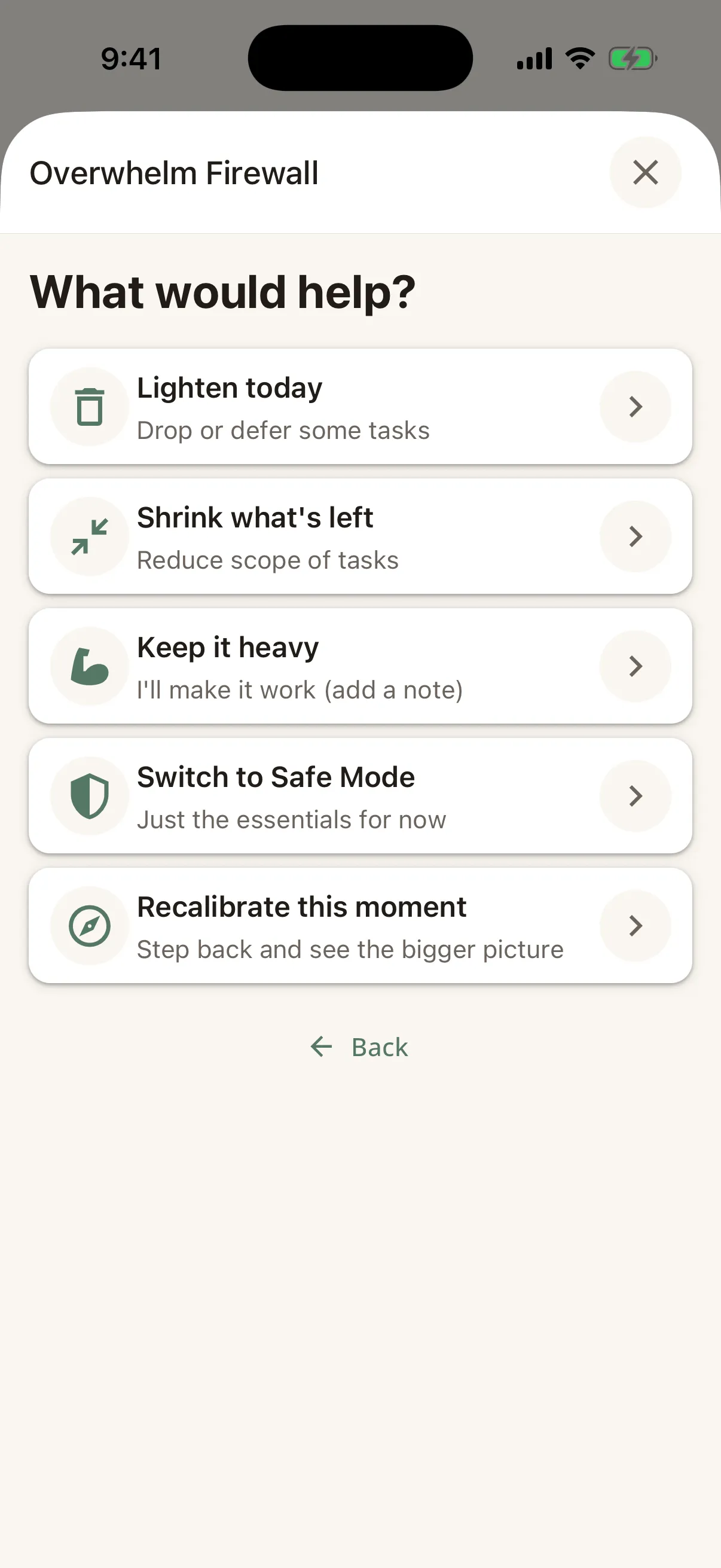
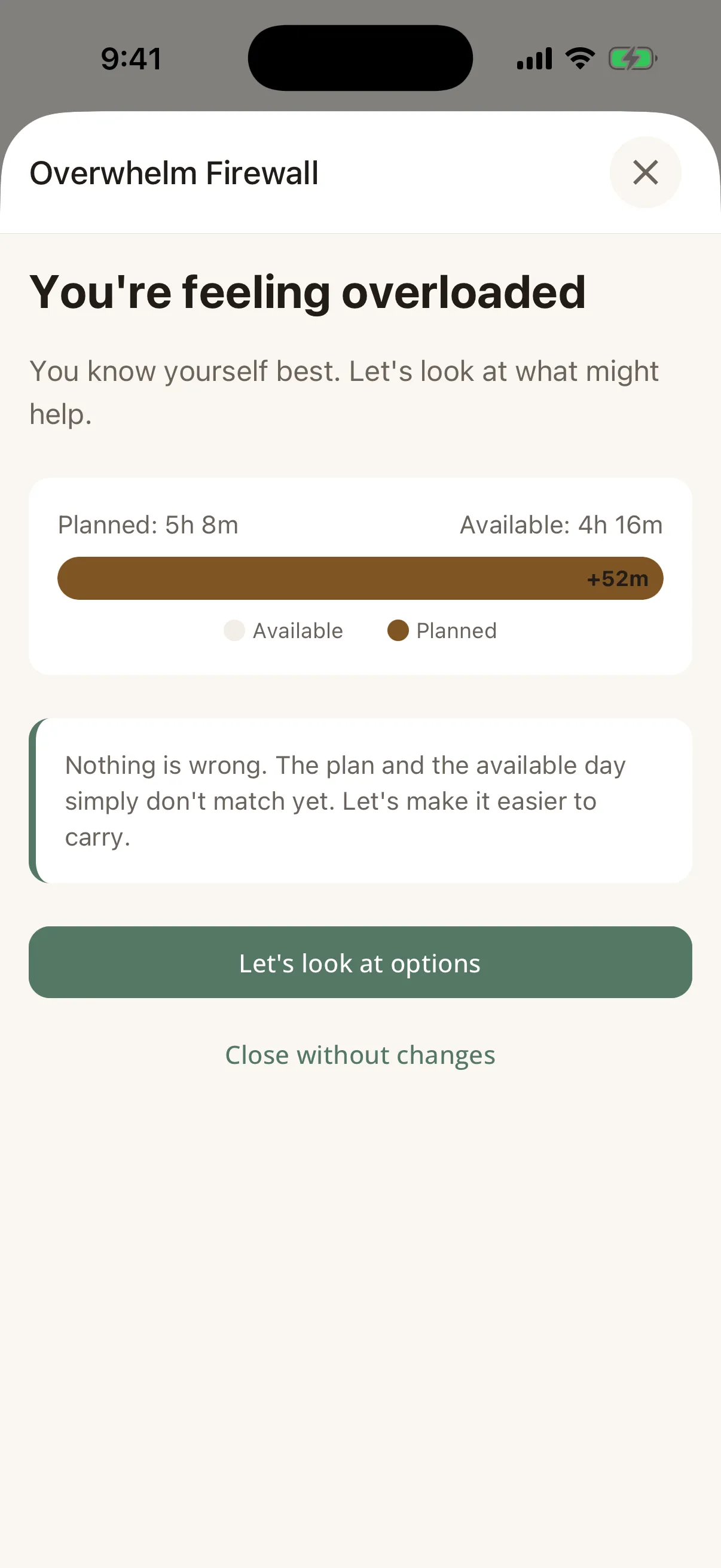
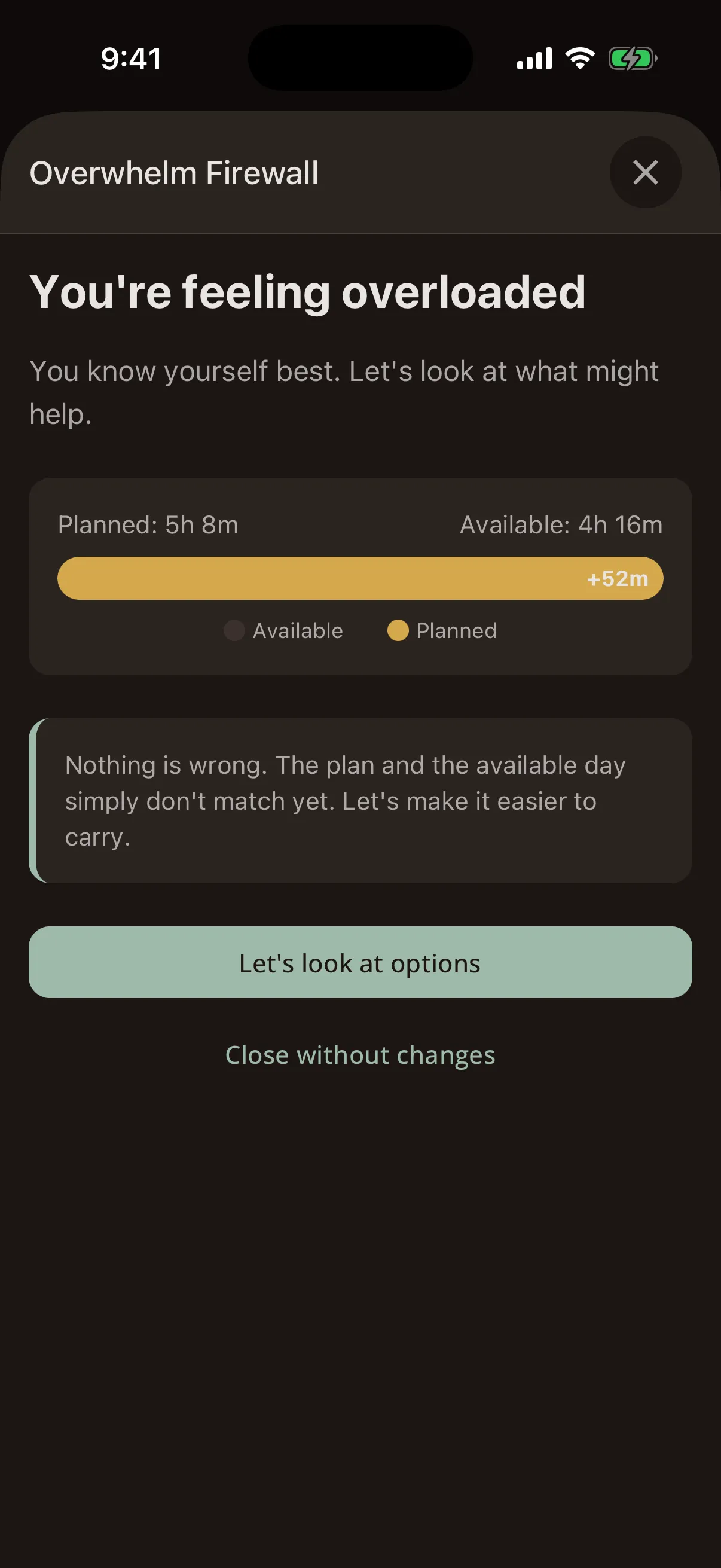
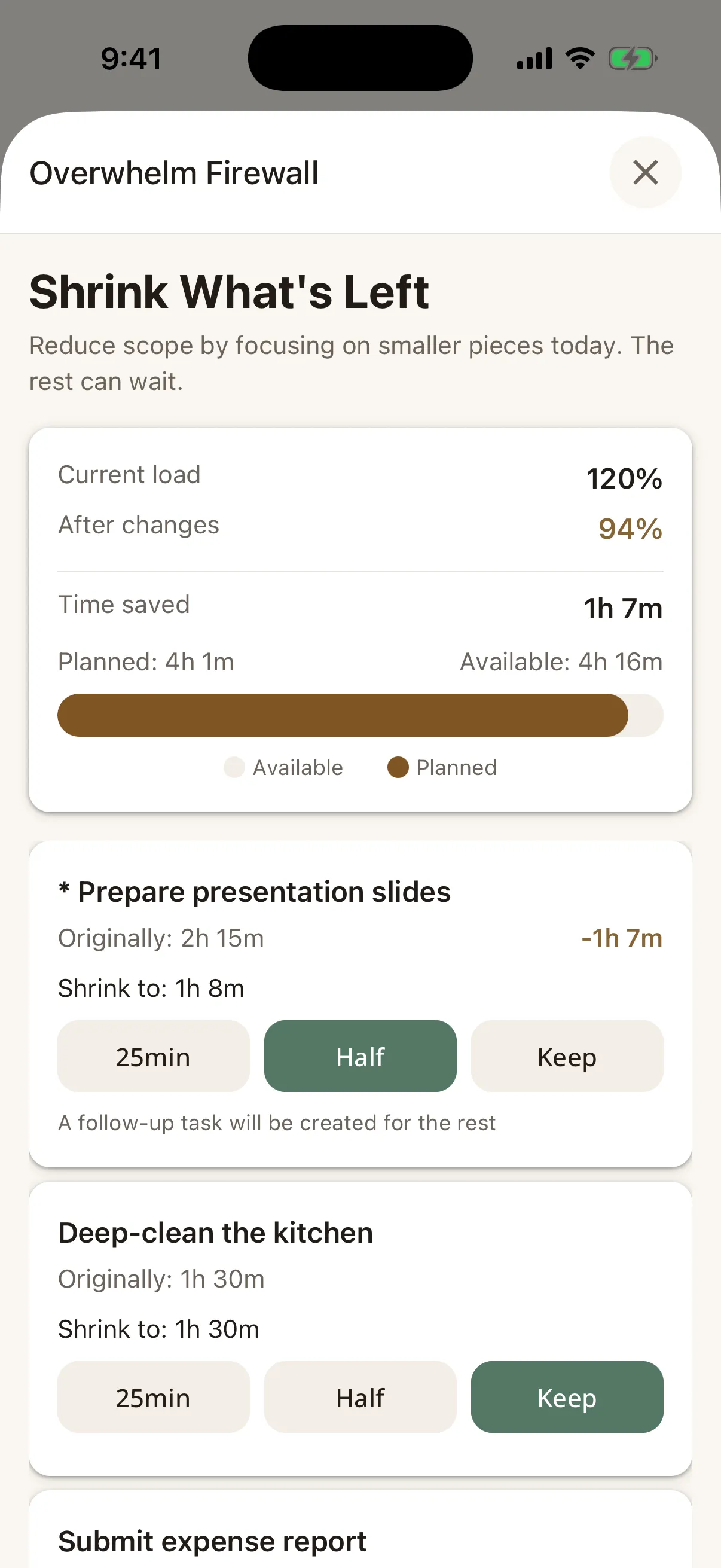
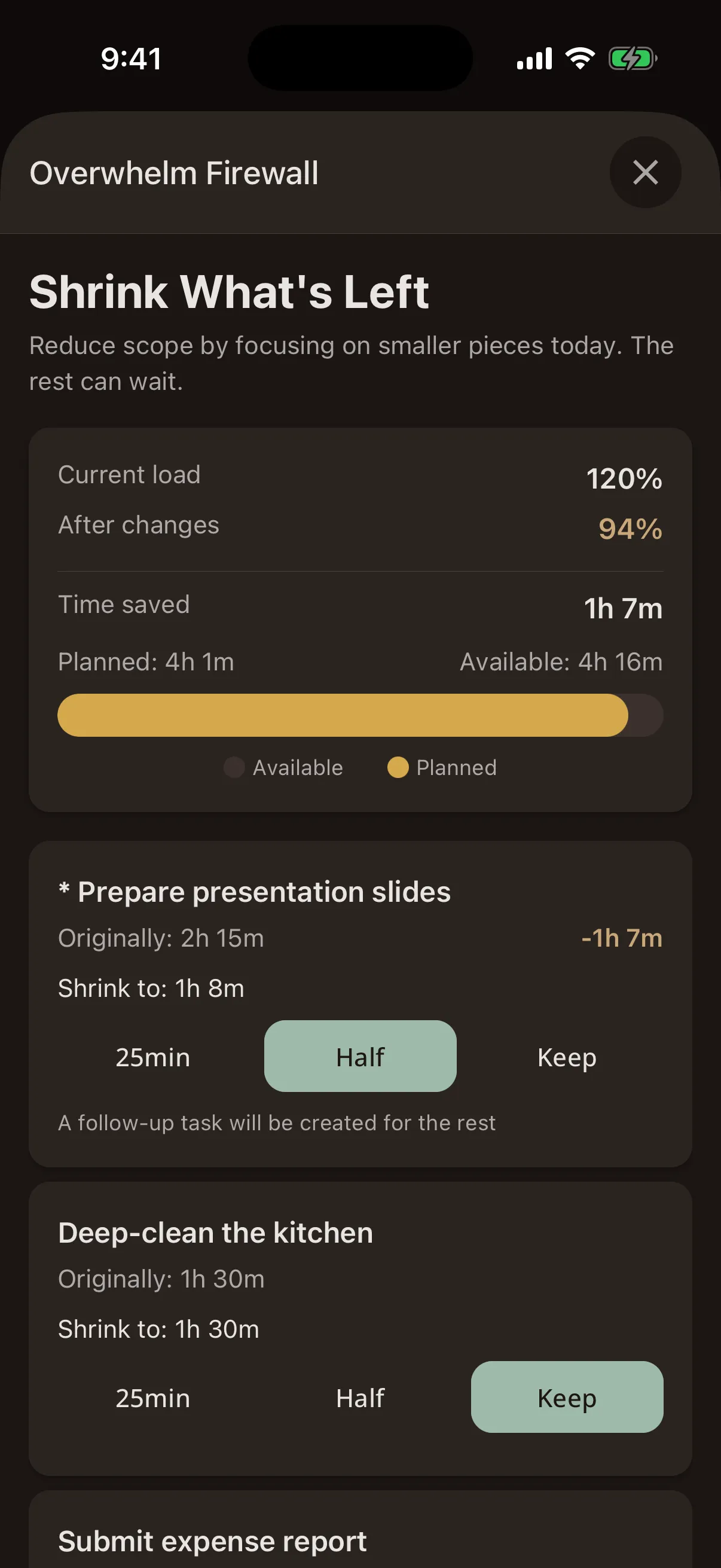
When the plan comes out heavier than the day, the Overwhelm Firewall opens before you start, not at four in the afternoon. It arrives with choices rather than a warning to dismiss, and one of them is to keep the load, because some days genuinely have to be heavy and you already know it.
- It notices. Your hours, minus everything already committed, scaled to how today feels.
- It steps in. Planned against available, in hours and minutes, with the choices that follow.
- It lets go. Choose to keep it heavy and Steward gets out of the way.
Plan Today
We don't read your body. We ask you.
The check-in takes about ten seconds: how is your energy, how is your stress. That answer is a real input, not the whole calculation. Steward scales the hours you have left against it, then subtracts what the morning has already taken out of you.
Plan Today is a short guided flow: check in, see the day, choose, confirm. Steward suggests what fits the figure it just worked out. You decide what makes the cut.
- Skip the check-in and your Brain Operating Manual adjusts the day instead.
- Four zones on the Today screen: the day, right now, later, and everything else.
- Tasks are weighted by how demanding they are, not just how long they take.
Recalibrate
When the day turns, the plan turns with it.
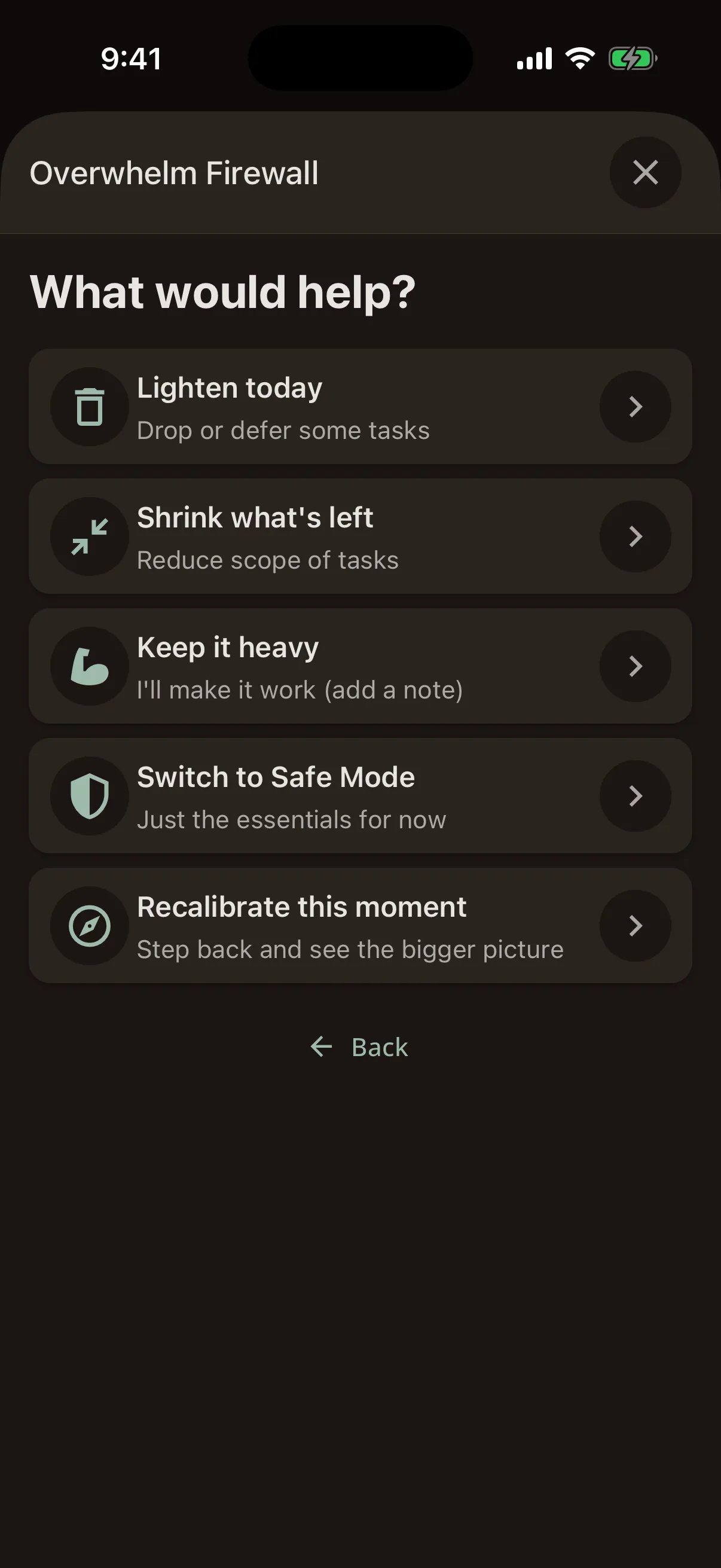
Days come apart. A meeting overruns, a child is sent home, the energy you had at nine is gone by eleven. Recalibrate walks you through the moment: what has changed, what matters now, and what the rest of the day can realistically hold.
It proposes specific moves, shows you exactly what each would change, and only acts when you confirm. Defer this, shrink that, put a rest block here. Tasks that did not happen stay saved and wait for you.
- It runs entirely on your device. When you need help now, there is nothing to wait for.
- Every change is previewed with its arithmetic, and every change can be undone.
- On the hardest days it can draft the message you now have to send.
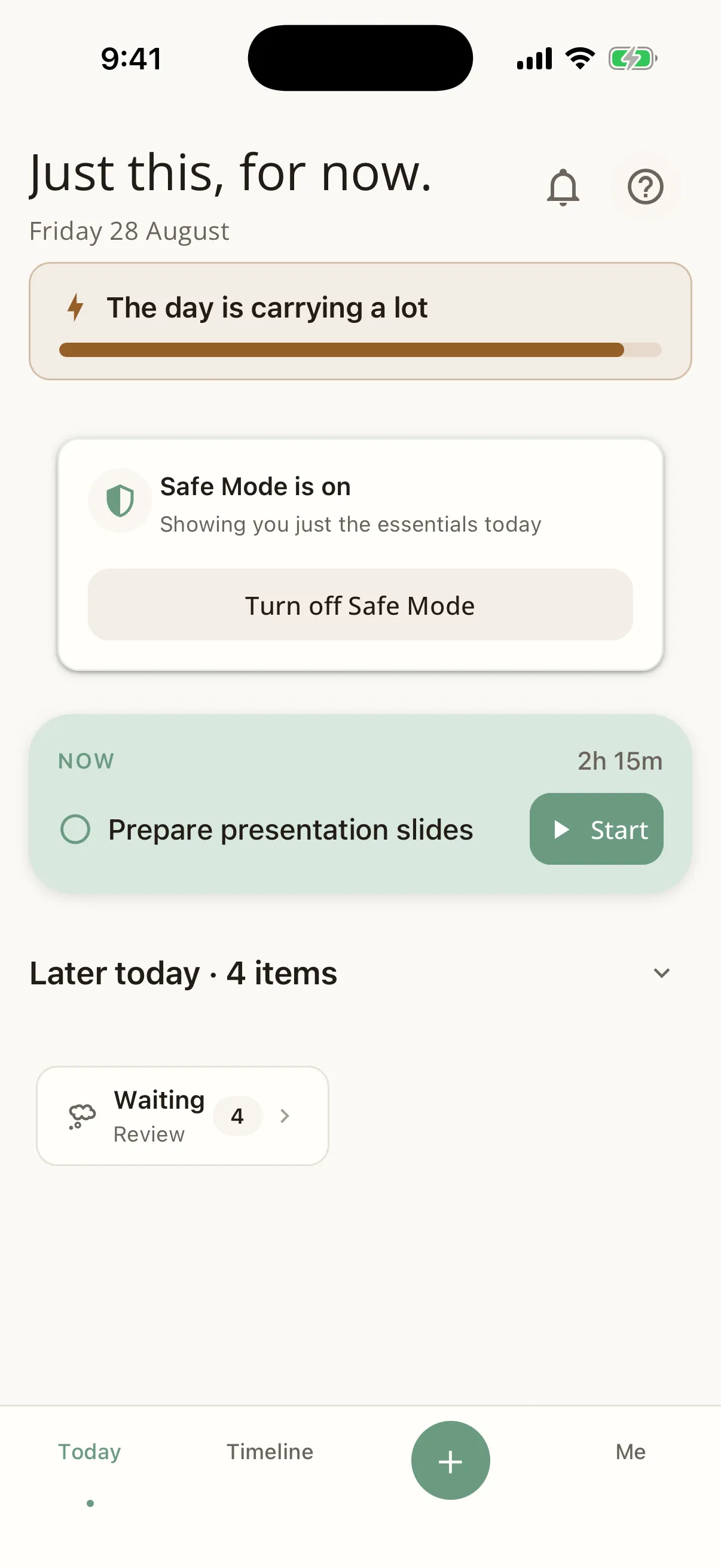
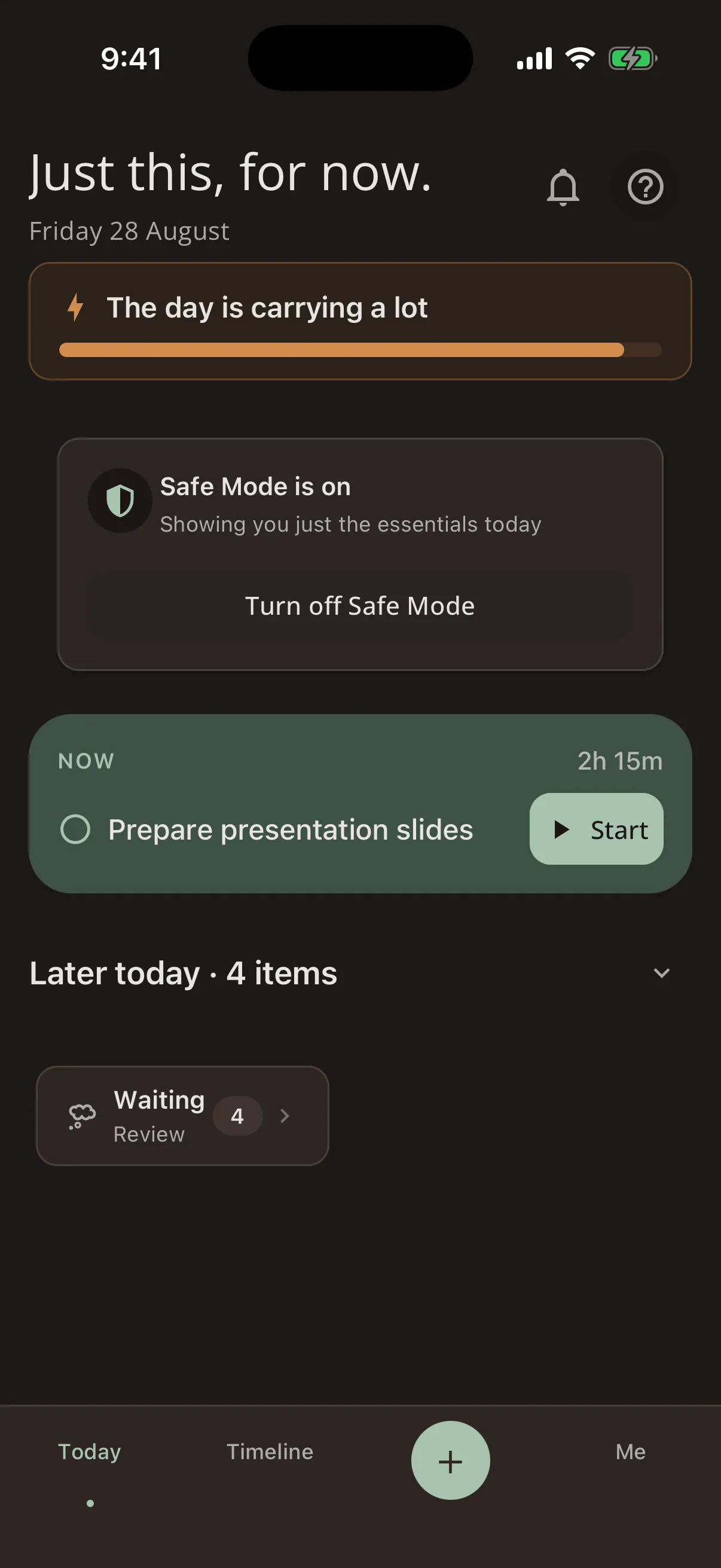
Safe Mode and Quiet Mode
Just this, for now.
Safe Mode strips the interface back to essentials: fewer choices, less noise, one thing in front of you. Lists shorten, secondary actions disappear, non-urgent reminders go quiet. You decide when to switch it on and when to leave.
Quiet Mode is separate, and it is for sensory load. Colour drops by more than half and everything stops moving, while every contrast ratio on screen stays exactly where it was, so nothing gets harder to read.
- Steward can offer Safe Mode when the day looks like it needs one, or wait until you ask.
- Waiting items hold what you captured but did not schedule, with soft aim-for dates.
- Both work offline, on any tier, with nothing to set up first.
No streaks. No shame.
Steward measures the plan, not the person. The heaviest day it can describe is amber, and what you did not get to today keeps its place and waits for you. That is the whole design, all the way down.
Three things that will not change
Your data stays on your device
An encrypted local database, no account to create, and nothing on a server holding your life. Export it whenever you like, free.
The core is free, forever
Capture, planning, the capacity check, the Overwhelm Firewall, Recalibrate and Safe Mode never sit behind a paywall.
AI is optional
Everything above runs on your device with AI switched off. If you turn it on, you choose what it can see, one category at a time.
Frequently asked questions
Who is Steward for?
Can I use Steward yet?
What does Steward cost?
Do I have to use the AI features?
Is my data private?
More on how the day works on features, and on why Steward exists on why Steward.
Be among the first to try Steward
Invites go out in small batches so we can support every new tester properly.
We’ll respect your inbox and only email when there’s something worth sharing.